Client Portal
Hosting cPanel
cPanel is the control panel for your hosting account. From here you can manage files, databases, DNS, email accounts, SSL certificates, and server-level settings.
Administrator Functions
Site Management Access
Web-based control panel.
Site administrators use the URL:
http://www.yourdomain.com/controlpanel
Once you enter this URL, you will be prompted for the site administrator’s user name and password which we supplied to you.
We recommend that you bookmark this site so that it is easy to access in the future. Below is a screen shot of all the functionality available to you through the admin panel.
Admin Panel
What you’ll see when you log in
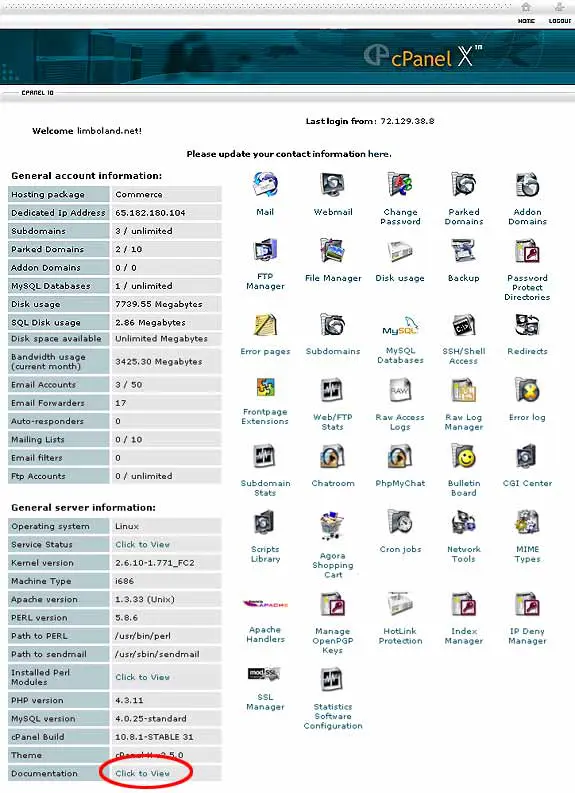
Documentation
Complete instructions for every feature
The Full Documentation can be accessed through the web at:
Need to upload files instead? See the FTP Instructions.
Locked out or need help with cPanel? Our team is one click away.